
A possible process
A reservation connects playtime, bay and customer data. In addition, the technical readiness of PC, simulator and projector can be relevant. Which status messages or control commands are possible depends on the devices used.

Indoor golf facilities
Golf Control could make your everyday life easier: Guests play, you keep the technology in mind.
Services and project questions in detail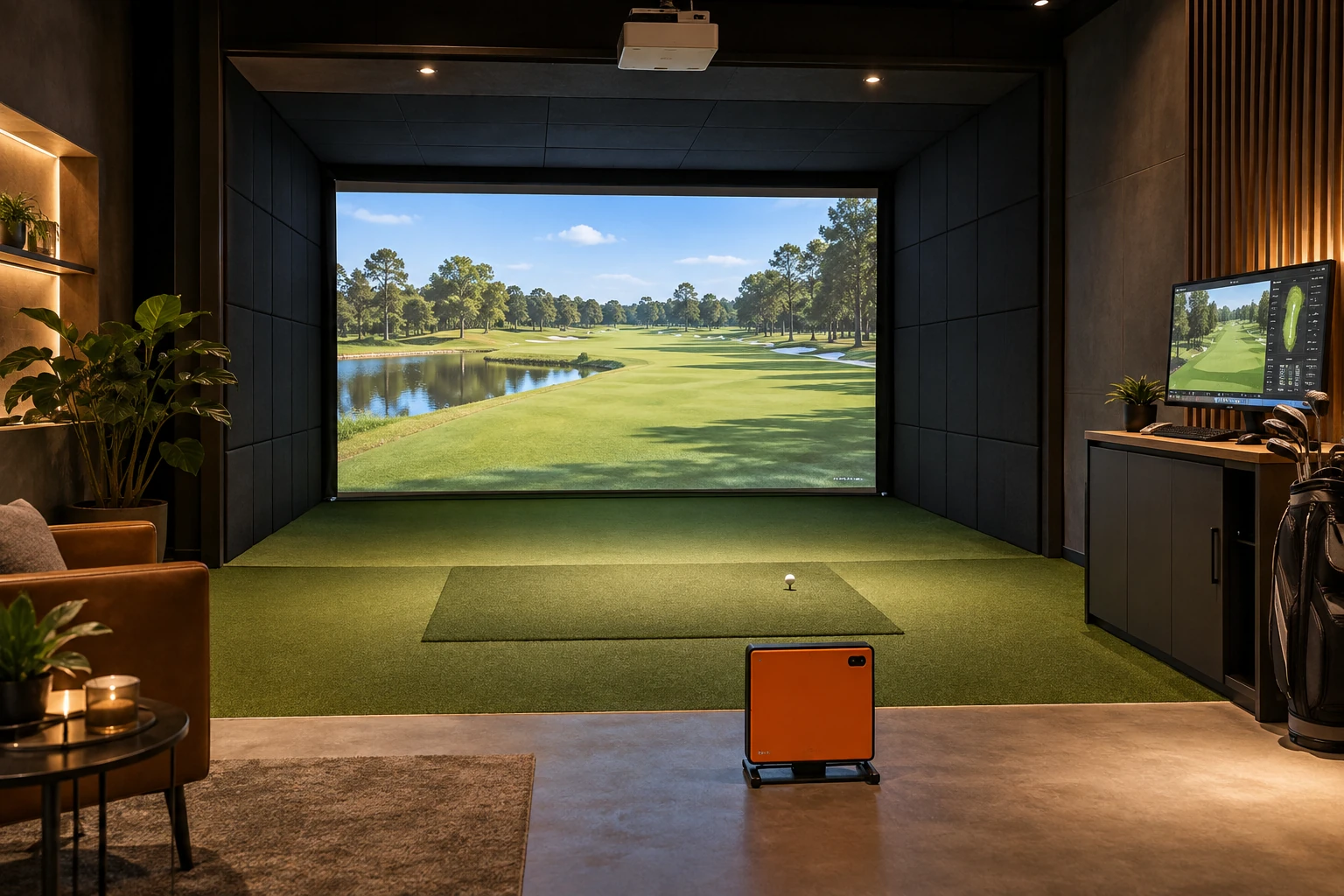
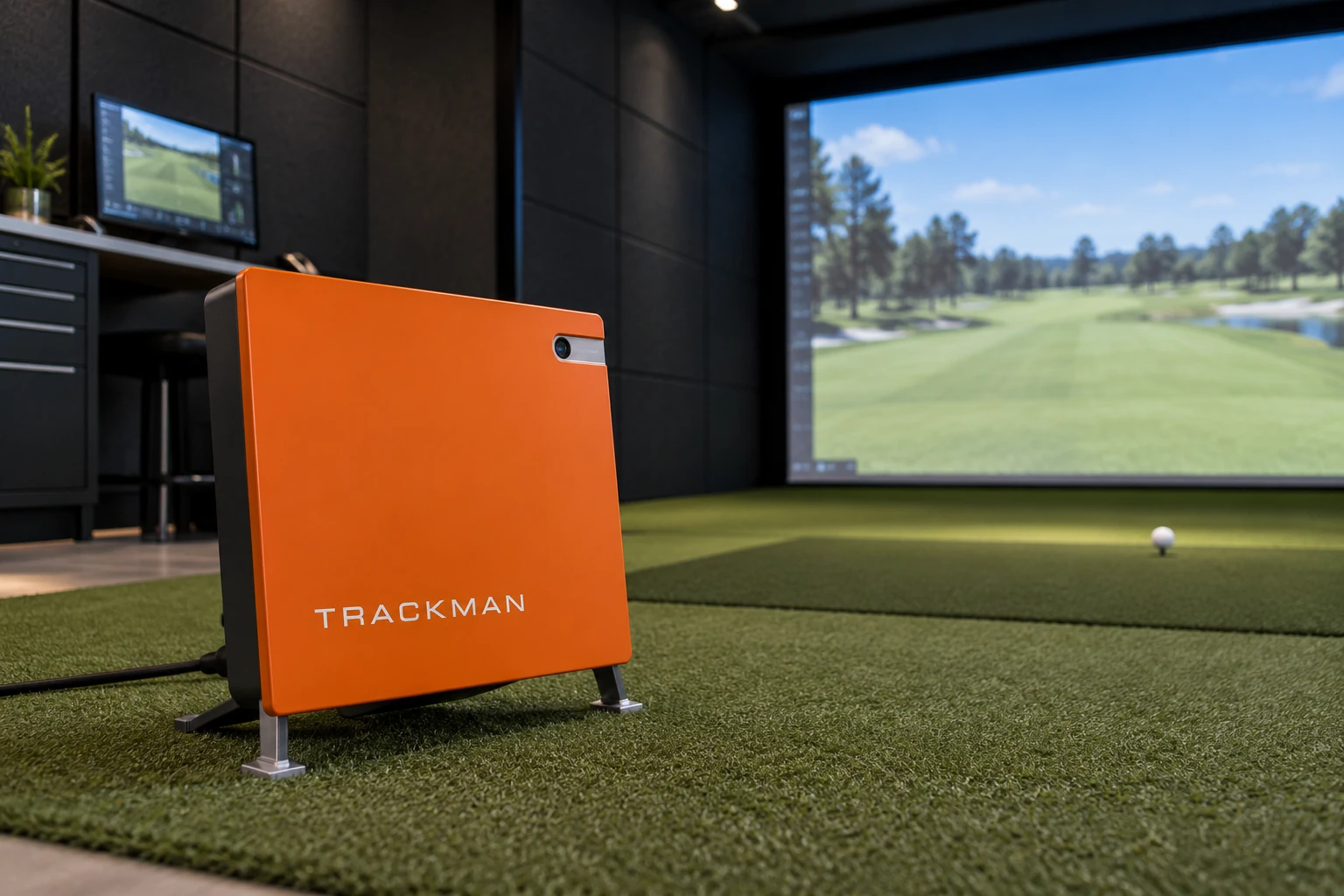
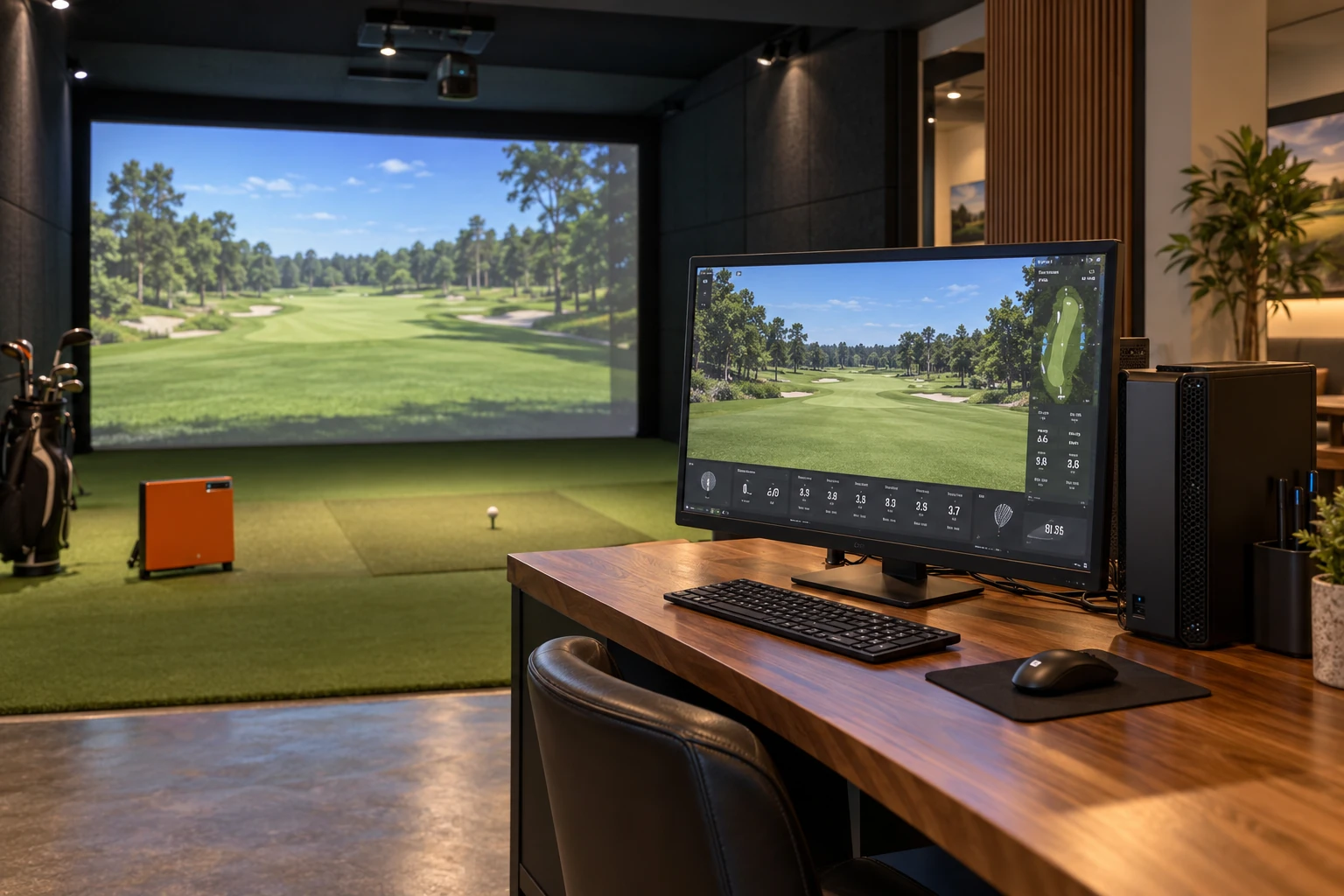
AI-generated concept images.
Ten ideas. You choose what you need.
An own solution for occupancy planning, online booking, tariffs, payments and invoices – even without eBuSy.
Trackman, Foresight Sports or SKYTRAK – matching your devices and shared interfaces.
Prepare PC, simulator and projector; see readiness and faults for each Bay clearly.
Protect ongoing games and re-prepare the Bay in an orderly manner.
Automatically resolve shared errors and assign messages directly to the Bay via QR code.
Test and maintain technology with shared remote access.
Incorporate swing videos for training and live pictures for remote help – with approval for authorized users.
Connect existing access solutions meaningfully with the operation.
Appropriately regulate light and suitable equipment when idling.
Organize updates and controls outside of playtime.
Connect devices, bookings and operational data in a meaningful way.
Trackman, Foresight Sports or SKYTRAK: check possible connections per model, software and license.
Released Manufacturer ConnectionCheck PC status and allowed starts. The picture comes via HDMI or DisplayPort on the screen.
Projector control e.g. via PJLinkSuitable USB cameras for training. IP cameras for shared live images and remote help.
USB · IP video e.g. B. via ONVIFOwn calendar, tariffs and bills. Connect payment services via API and accept confirmations.
API · Webhooks for status changesAppropriate access times, light and indoor climate via documented device or building interfaces.
For each device, a clear controlConnect web presence, booking, customer portal and database. Keep an eye on operational data mobile.
Web API · Hosting · Data exportThe exact range of functions depends on devices, licenses and manufacturer approvals. For your plant, it will be agreed in advance.
Trackman integration ↗PJLink for projectorsONVIF for IP video ↗
The simulators run on site. Booking and administration are centrally accessible.
Online · For Guests & Operators
Website · Booking · Payment · Invoice
Hosting · Database · Operator Dashboard
Connect the Bays in the technical network. The control computer checks status and performs allowed actions.
Also start with a bay and expand later. We use existing hardware as far as it is suitable; cameras, access and automation are supplemented as required.
From the website to plant operations: marketing, booking, billing and technology are interlinked.
Appealing website with offers, promotions and direct booking.
Engaging with social media. Improve SEO and AI findability in a targeted manner.
Centrally bundle hosting, database management and technical support.
Individual Software · Planning Example
A reservation connects playtime, bay and customer data. In addition, the technical readiness of PC, simulator and projector can be relevant. Which status messages or control commands are possible depends on the devices used.
We collect simulator software, hardware, network and access routes. A device connection is only planned after checking the documented functions and a coordinated test.
Services in detail
In an indoor golf facility, reservation and technical readiness are two different topics. Custom software can combine both in a coordinated interface, as long as the existing technology provides suitable access. It remains comprehensible which information describes a booking and which describes a device status.
A bay can be reserved while a device still needs feedback. We define which states are displayed and when an employee should intervene. An unknown status is not simply equated with a confirmed operational readiness.
Possible control functions are first checked with the concrete combination of PC, simulator and projector. Start, end and disruptions receive coordinated steps. The introduction can be limited to one bay before more places are added.
That is not a blanket promise. Model, software version and released control or status functions must be checked. A booking overview can be planned independently of a direct device control.
A corresponding overview is possible if the required status information is available. We determine which messages are relevant, how up-to-date they must be and what the reaction is.
Technical implementation
A free bay, a confirmed reservation and an operational simulation are different states. Their connection is planned based on the existing plant.
Start clock, play time and buffer for the change determine the availability. Maintenance or a technical malfunction can additionally lock a Bay. Changes must be checked against the available target Bay and, if applicable, the coach.
Simulator, booking software, access and other devices are viewed based on their documented functions. Manufacturer approvals and feedback are crucial. A software link presupposes that the required states can be exchanged reliably.
A clear status is required for missing network, failed device messages or restarts. We clarify which steps are taken manually and how open processes are compared later. Technical readiness is not derived from an existing booking alone.
Helpful are Bay number, simulator and device names, booking rules, available interfaces and today's process in the event of a disruption.
Which of these questions is crucial for your project? Briefly describe your process and the existing systems.
Discuss technical requirementsTogether we look at what already works – and what should complement your custom solution.